
ISEE At Home
The following instructions are for families and students taking the ISEE in the online format at home. Since December 2020, more than 85,000 ISEE At-Home exams have been administered on our tried-and-true testing platform with a 99% successful completion rate.
.avif)

Read the Family Guide.
Read the full ISEE At Home Family Guide to familiarize yourself with the at-home testing process. It's a good idea to have a printed copy of this guide handy so you can quickly refer to it during testing.
Get the guidePrepare your devices
Families need two devices to take the exam—a testing device and a cell phone or tablet. The exam is designed to work on most personal devices. Refer to the ISEE At Home Family Guide for full details about device setup and system requirements.
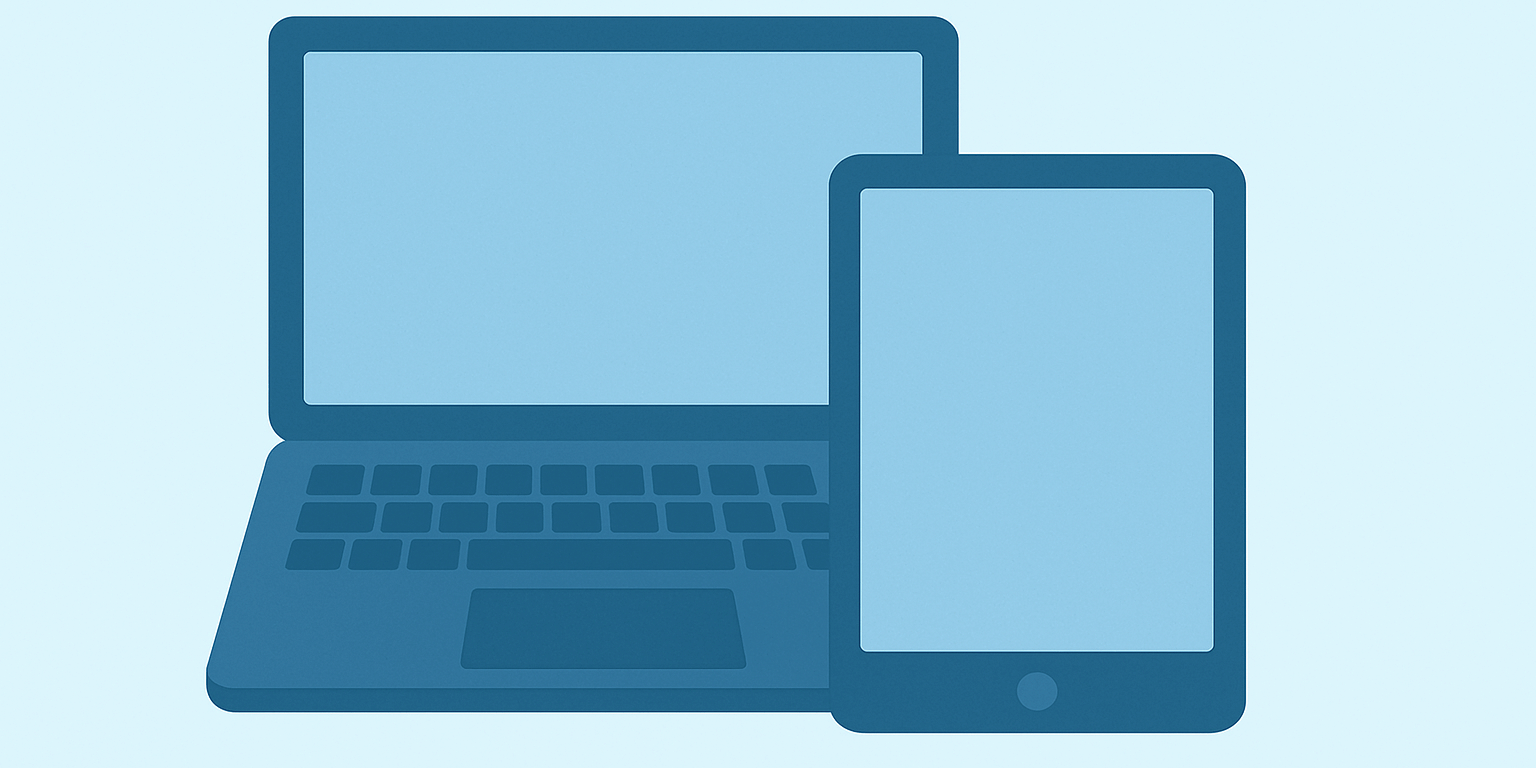
Prepare Testing Device
Students need a computer or tablet with a built-in camera and microphone on which to take the test. You must also download the ISEE by E3n app to take the exam.

You will use the app to access your test. Once the test launches, the secure testing application "locks down" the testing device so that students are unable to access any websites, applications, or screen capture exam content.
Download app →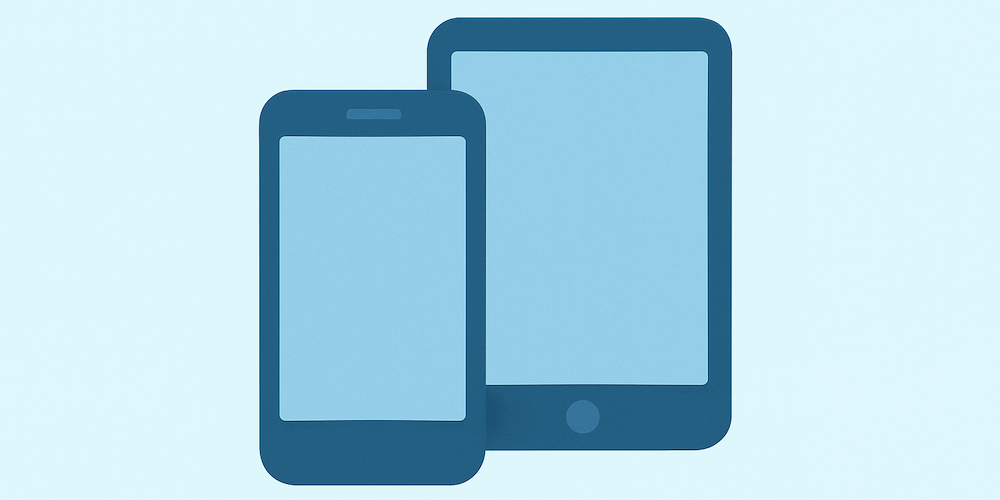
Prepare Second Camera Device
Students need a cell phone or tablet with a built-in camera and microphone to monitor the student's keyboard, desk, and hands. You must also download the Remote Proctor Connect app to connect your camera to the exam.
Search for the "Remote Proctor Connect" app from your device's app store to download the app and connect your second camera device to the exam.
Download from Apple App Store →Download from Google Play Store →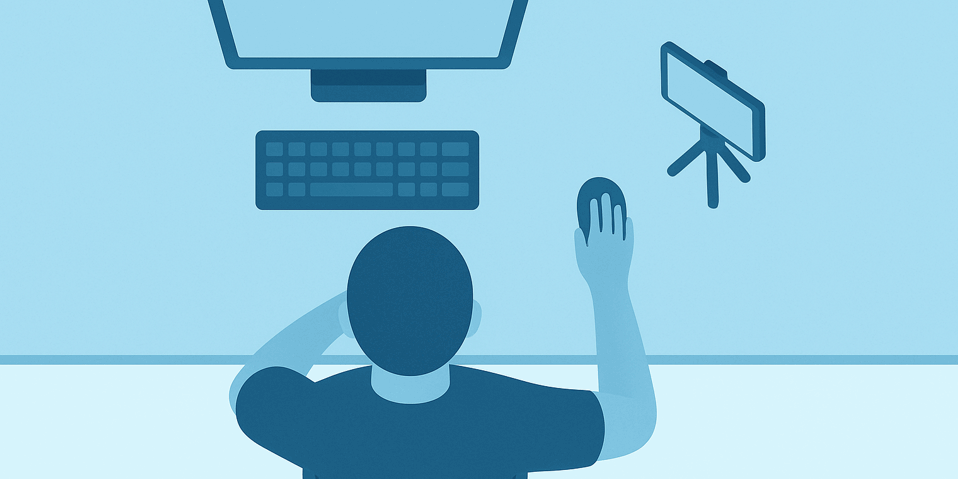
Complete Practice Check-In
Open the ISEE by E3n app on your testing device and select "Practice Check-In." This will check if your devices are ready for testing and give you and your student a chance to practice the check-in process. This is also a good opportunity to decide where you will place your second camera during the exam.
During the exam, the second camera must be plugged in and placed on the desk, about 18 inches from your student. Your student's keyboard, hands, and desk must be visible. Use a tripod, other holder, or sturdy object to prop up your device.
Start your test
30 minutes before your test's scheduled start time, open the ISEE by E3n secure browser testing application and begin the check-in process below. Refer to the ISEE At Home Family Guide for full details about checking-in.
Did you download both testing apps?
You must download both the ISEE by E3n secure testing app and the Remote Proctor Connect app to check-in to your test. You will use these apps to take your test and connect your second camera. If you have not already done so, download these apps now.
Get apps →1. Open the ISEE by E3n secure browser app.
Open the ISEE by E3n app that you downloaded to start your test. If you have not already done so, you must download the app now.
Download App →2. Enter your Session Number.
Your Session Number is either in your Verification Letter or sent in a separate email or text message one day to one hour before your test's start time. You may need to check your SPAM folder.
Get my Verification Letter →3. Enter your student's ISEE ID.
Your student's ISEE ID is found in your ISEE Verification Letter emailed to you. You can find a copy of your Verification Letter with your ISEE ID in your online account at iseeonline.erblearn.org.
Get my Verification Letter →4. Connect your second camera.
Scan the QR code to connect your camera using the Remote Proctor Connect app. When prompted, select the "Front Camera" in the app. Follow the on-screen instructions to finish connecting your camera. Be sure to allow the app to access your device's camera and microphone.
Download App →5. Provide student identification.
You must provide an approved form of identification for your student. Students taking Upper Level exams must provide a photo ID.
- School ID Card
- State-issued ID, Passport, or Green Card
- Driver's License or Learner's Permit
- Military Dependent ID
- Work Visa
- Global Entry Card
- National Identity Card
- Employment Authorization Card
- Tribal Card
- ISEE Student ID Form
- Birth certificate
- School report card
- Health Insurance Card
6. Complete the Room Scan.
You will use your connected second camera device to complete the room scan by scanning a QR code. During this step, you will slowly turn your second camera device in a full circle to the left to capture your testing environment.
7. Position your second camera.
Your mobile device will remain connected as a second camera. Place your device (slightly farther than arm’s length away) to the left or right side of your workspace so it clearly shows your testing setup.
8. Validate the setup check.
This step confirms that your cameras are positioned correctly and that your workspace is clearly visible and
meets testing requirements.
Need help?
If you have questions or concerns before or during testing, please refer to our Family Guide or FAQs to get the help you need!
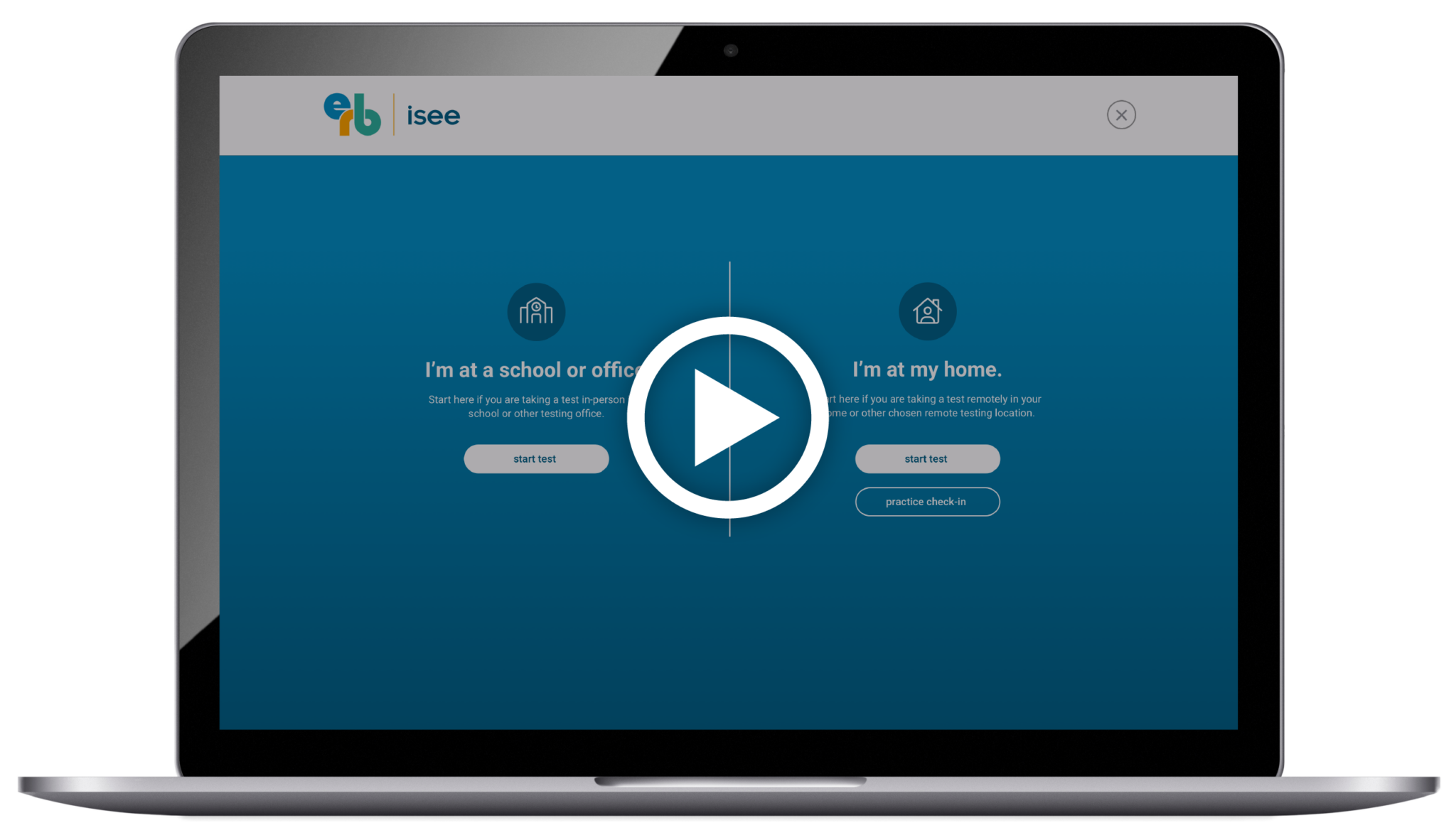

Checking-In To Your Exam
Review our convenient tutorial video about how to log in to your ISEE at Home exam.
Watch videoRest and relax.
Families should try to keep test day as stress-free as possible. Students should get a good night's sleep, eat a nutritious meal before the test, and refrain from any last-minute "cramming."
It's okay to guess.
No one is expected to answer every question correctly. Students in a lower grade taking the same test as students in a higher grade are expected to obtain fewer correct answers. Remember, a student's test performance is compared only to the performance of students at their own grade level.
Try to answer every question.
Students should attempt to answer every question as there are no penalties for incorrect answers. But don't spend too much time on any one question; it is better to move on to the next question and return to skipped items within a test section if time permits.
Rules and Regulations
To preserve the integrity of the test and to create a safe and productive testing environment, students who do not adhere to the rules and regulations may be excused from the test. Some personal items are permitted if the student is approved for testing accommodations that allow for the express use of those items.
- Books, dictionaries, or thesauruses.
- Calculators (unless approved in advance by ERB as a testing accommodation), compasses, protractors, or rulers.
- Cell phones or tablets (unless used as the second camera or approved to use due to a medical diagnosis)
- Bluetooth headphones, smart devices (including wearables), a second keyboard or monitor, or any other electronic device.
- Weapons.
- Any other materials that may provide assistance to students answering test questions.
Please refer to the ISEE At-Home Family Guide for a full list of the exam rules, regulations, and prohibited materials. If these regulations are violated during the exam, your student may be excused from the test, their scores will not be processed, and your family will be responsible for any applicable rescheduling or cancellation fees.
If there are any questions surrounding a student's identity, your student may be excused from the test, their scores will not be processed, and your family will be responsible for any applicable rescheduling or cancellation fees.
Test Proctors
All at-home test proctors are trained in remote exam administration with a support system in place to address any issues that might arise during testing. All proctors are fully vetted by E3n; they are either staff at independent schools that belong to our member-school community or they are other professionals trained directly by E3n.