This overview shows the main interface and tools of the SSAT at Home.
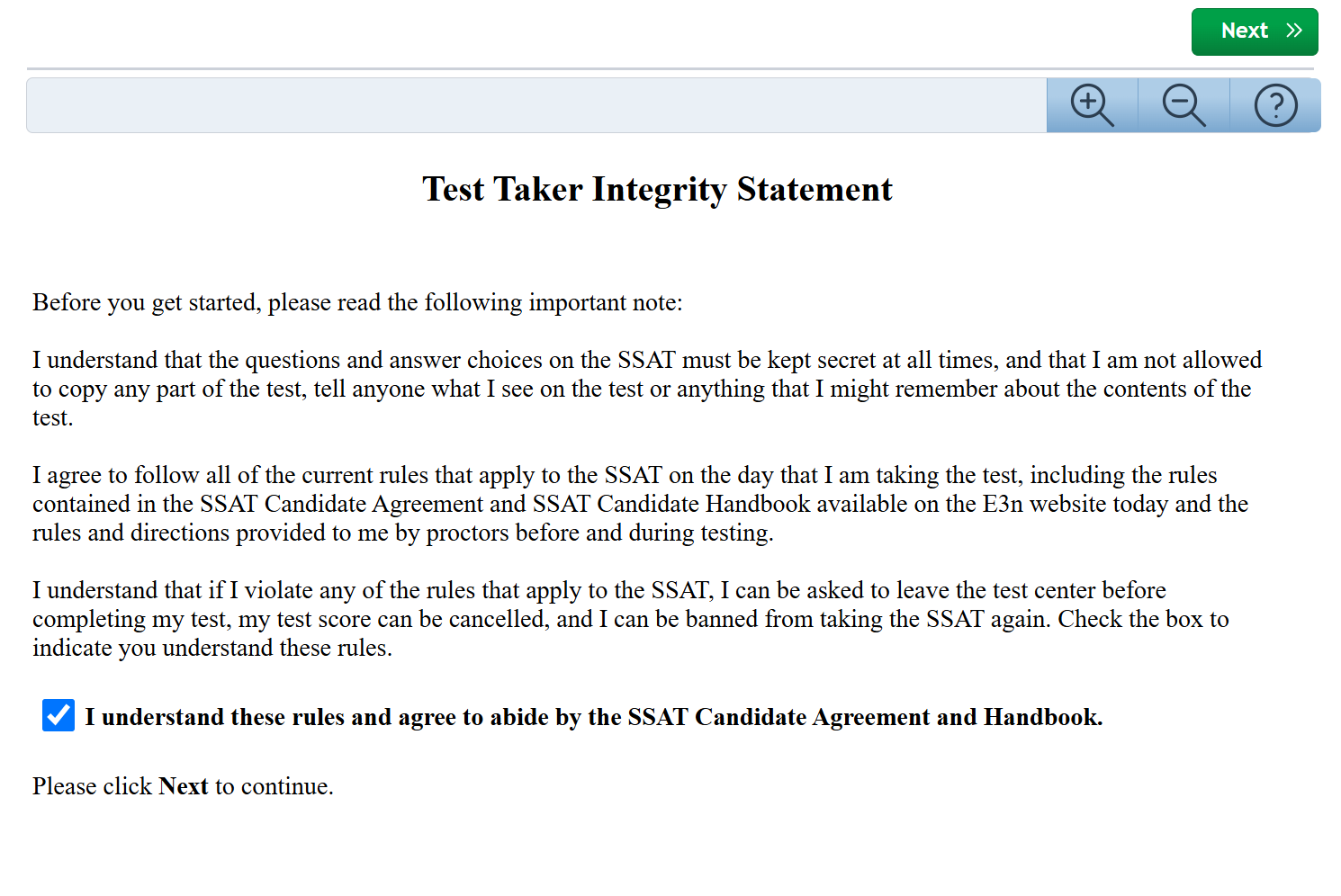
Integrity Statement
Students must agree to the rules of testing.
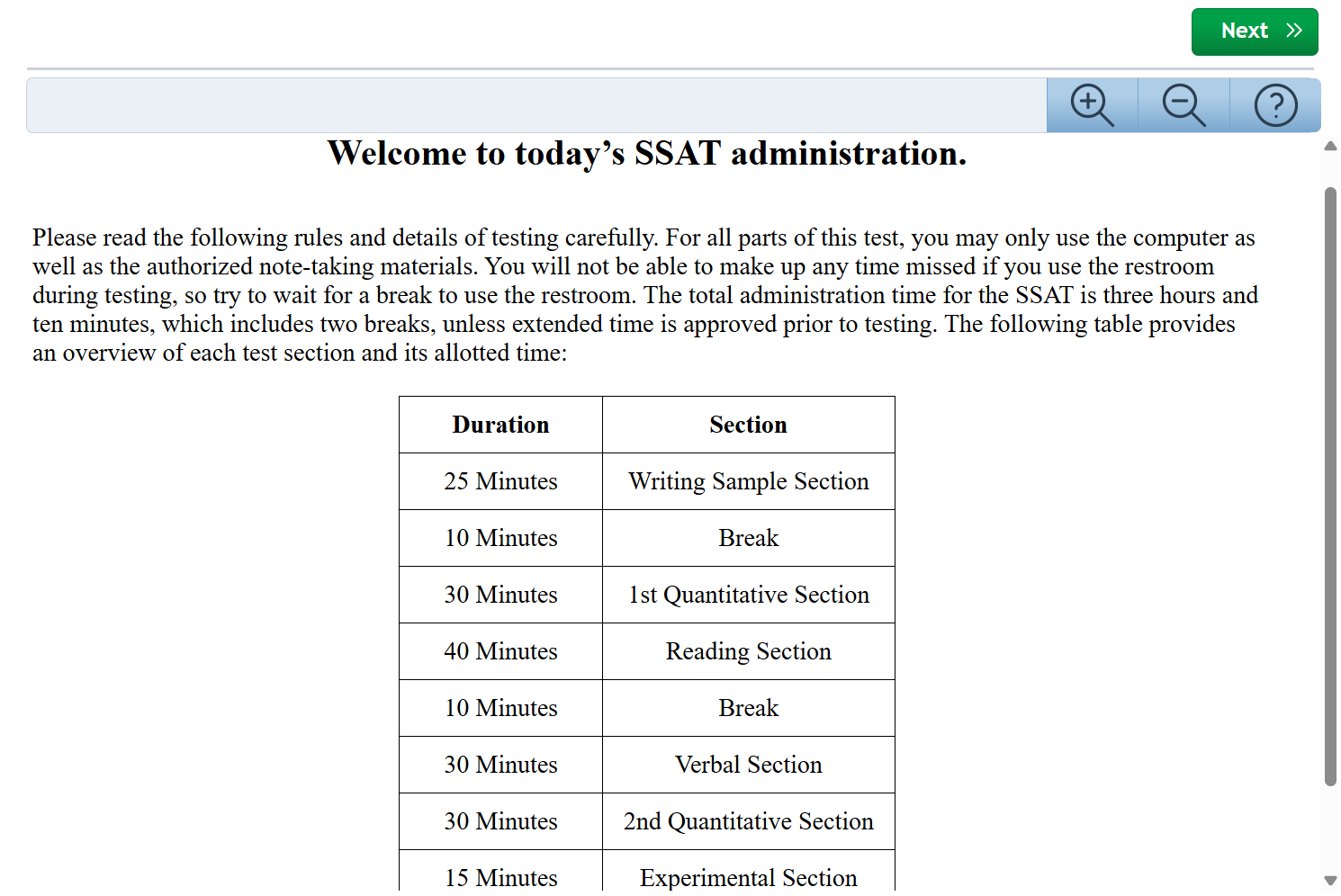
Welcome / Timing
A timing overview is provided.
Know that students can always end a section early, however, they cannot return to a section once ended.
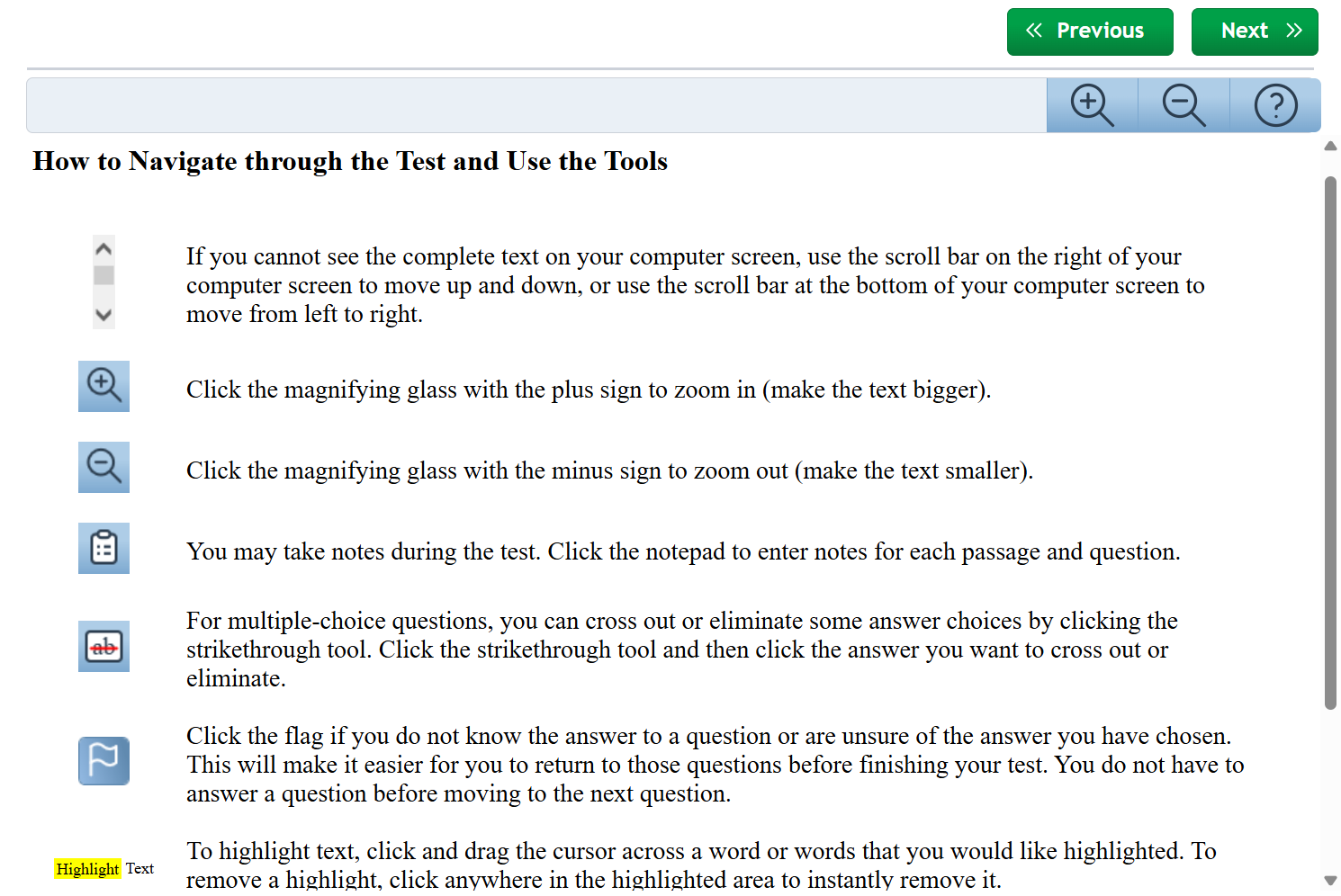
Navigation Overview
The tools that appear on the tool bar for the exam are explained.
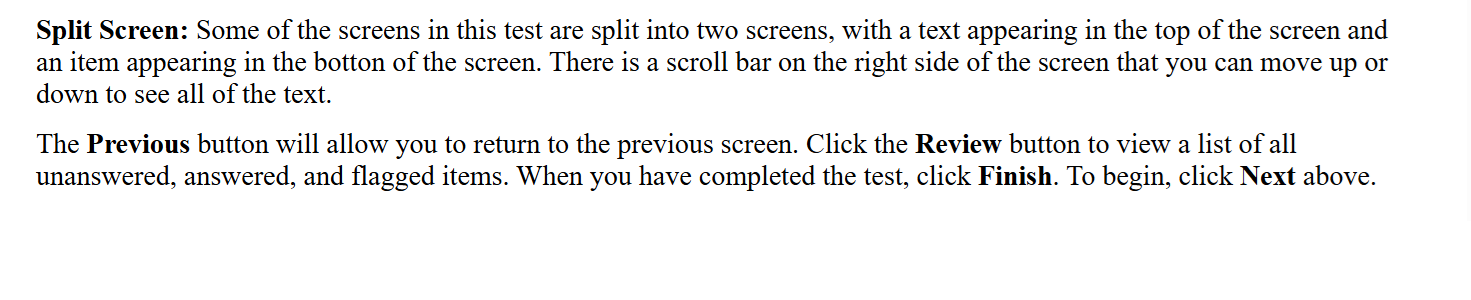
Writing Sample Instructions
Each section begins with instructions about that section's content.
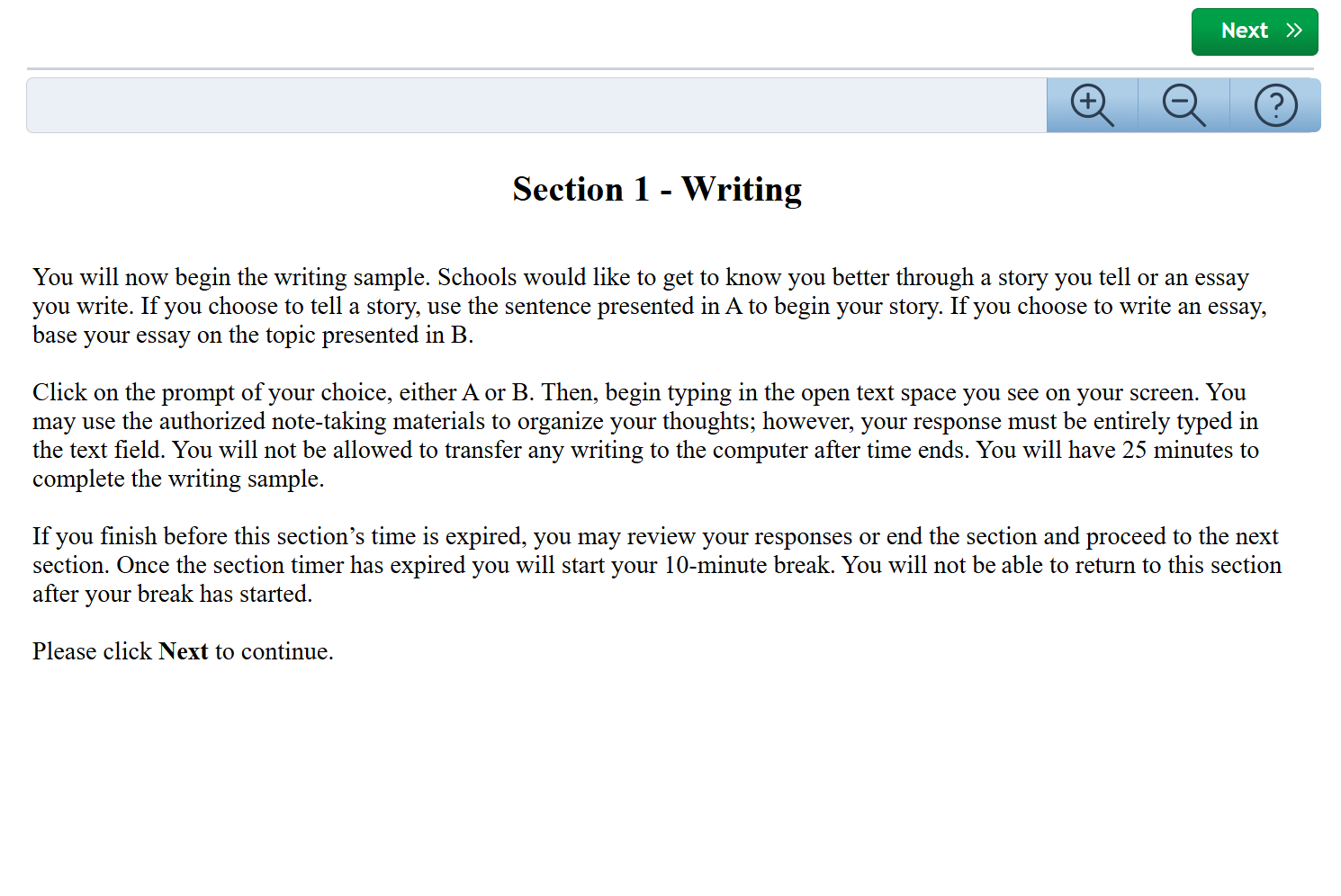
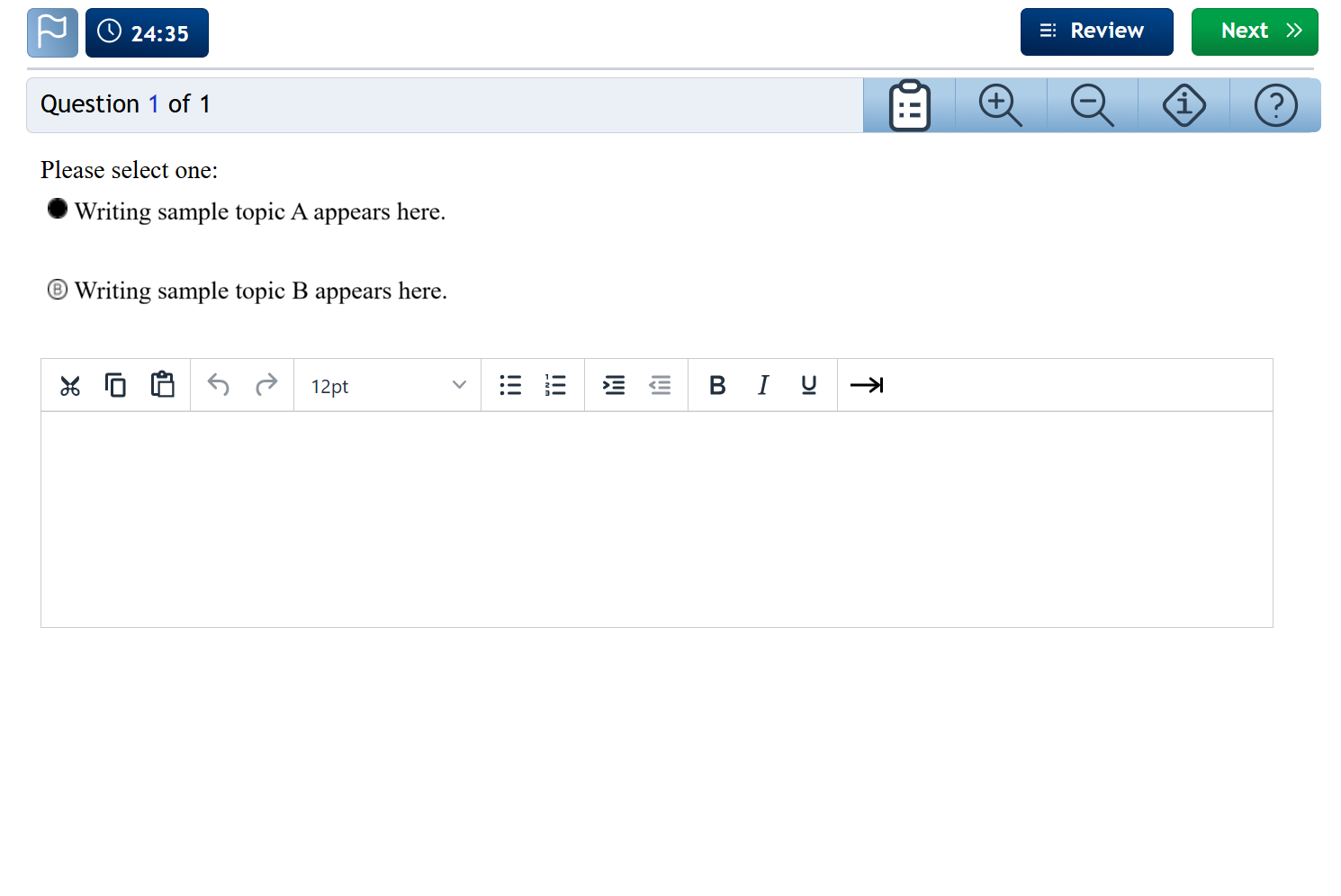
Writing Sample
Each section of the test has a a timer that appears at the top.
You can hide/unhide it by clicking on it.
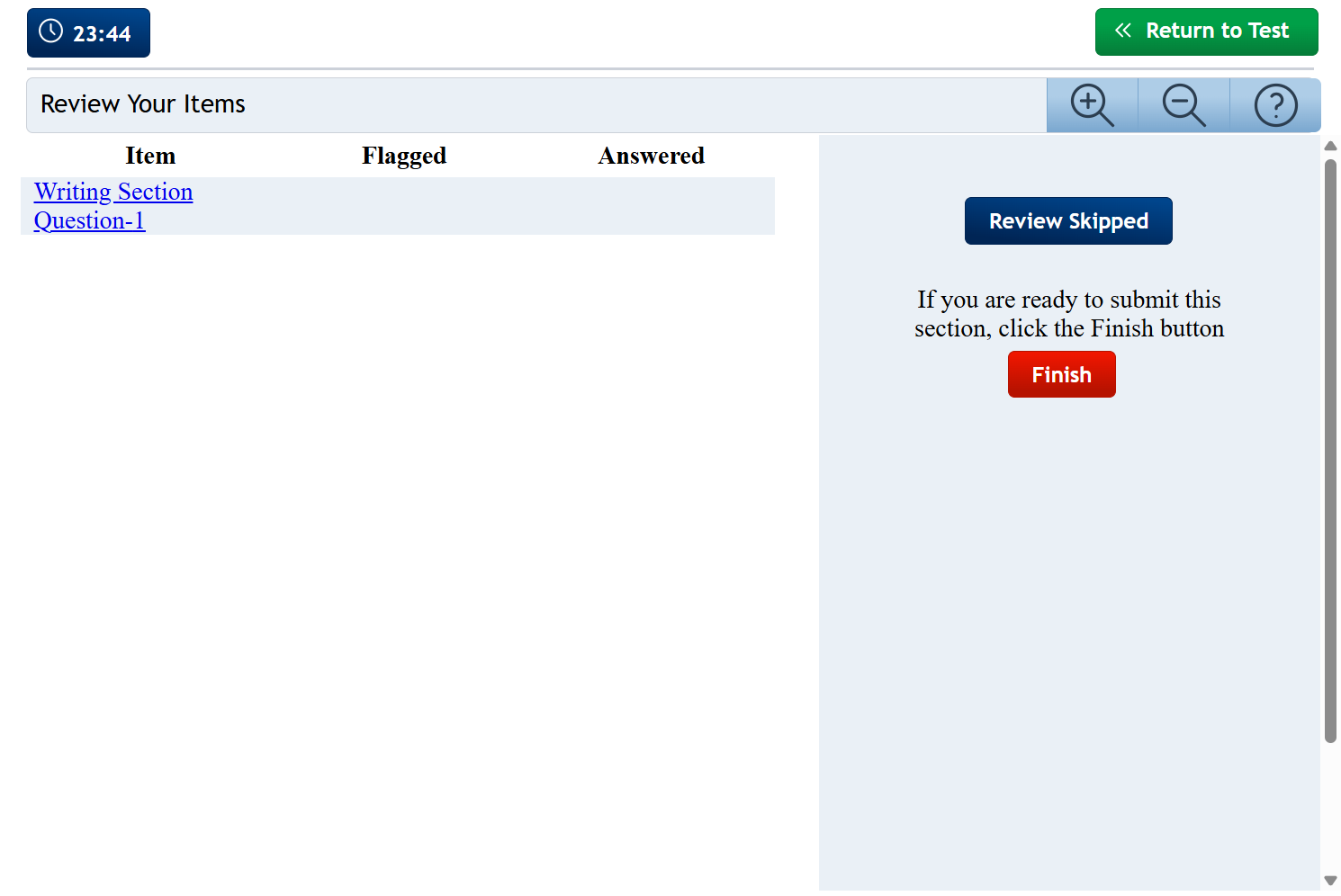
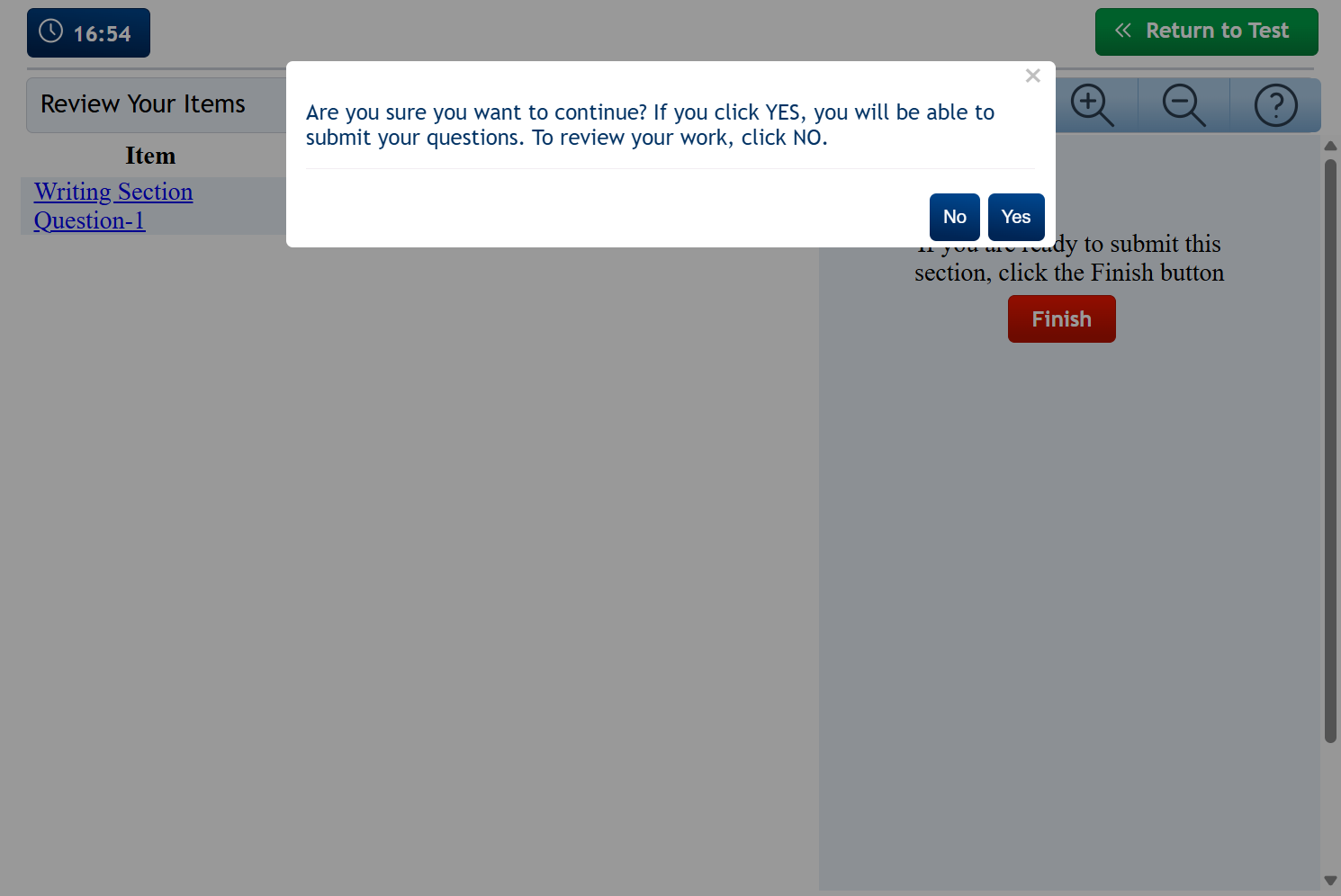
Review/Finish
Once you are done on the writing sample and hit Next, you will go to the end of section review page.
You can return to the writing sample or click Finish and then confirm moving to the next section.
Once you end a section, you cannot return to it.
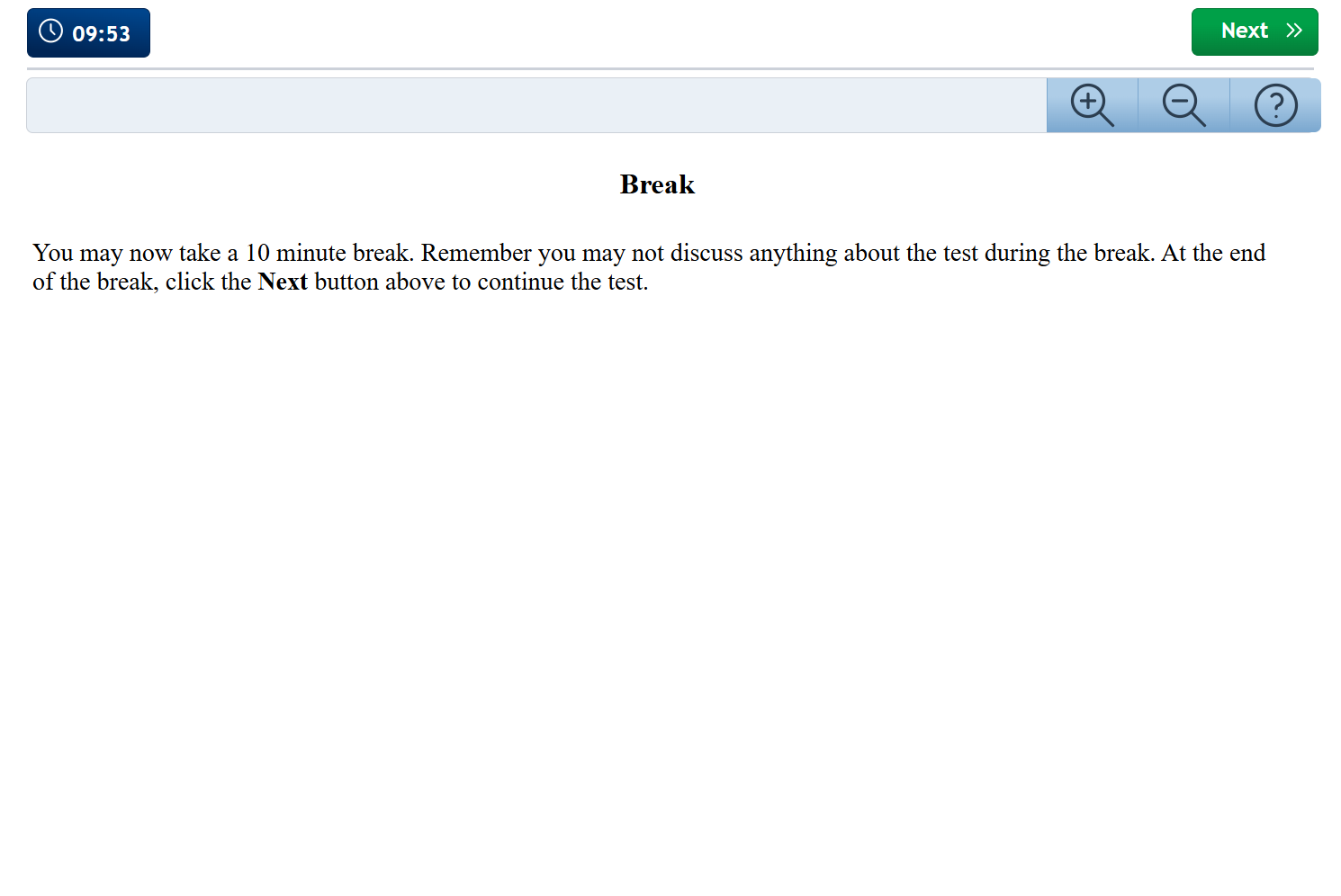
Break
During the two scheduled breaks you may leave your desk, however, be back before the timer ends.
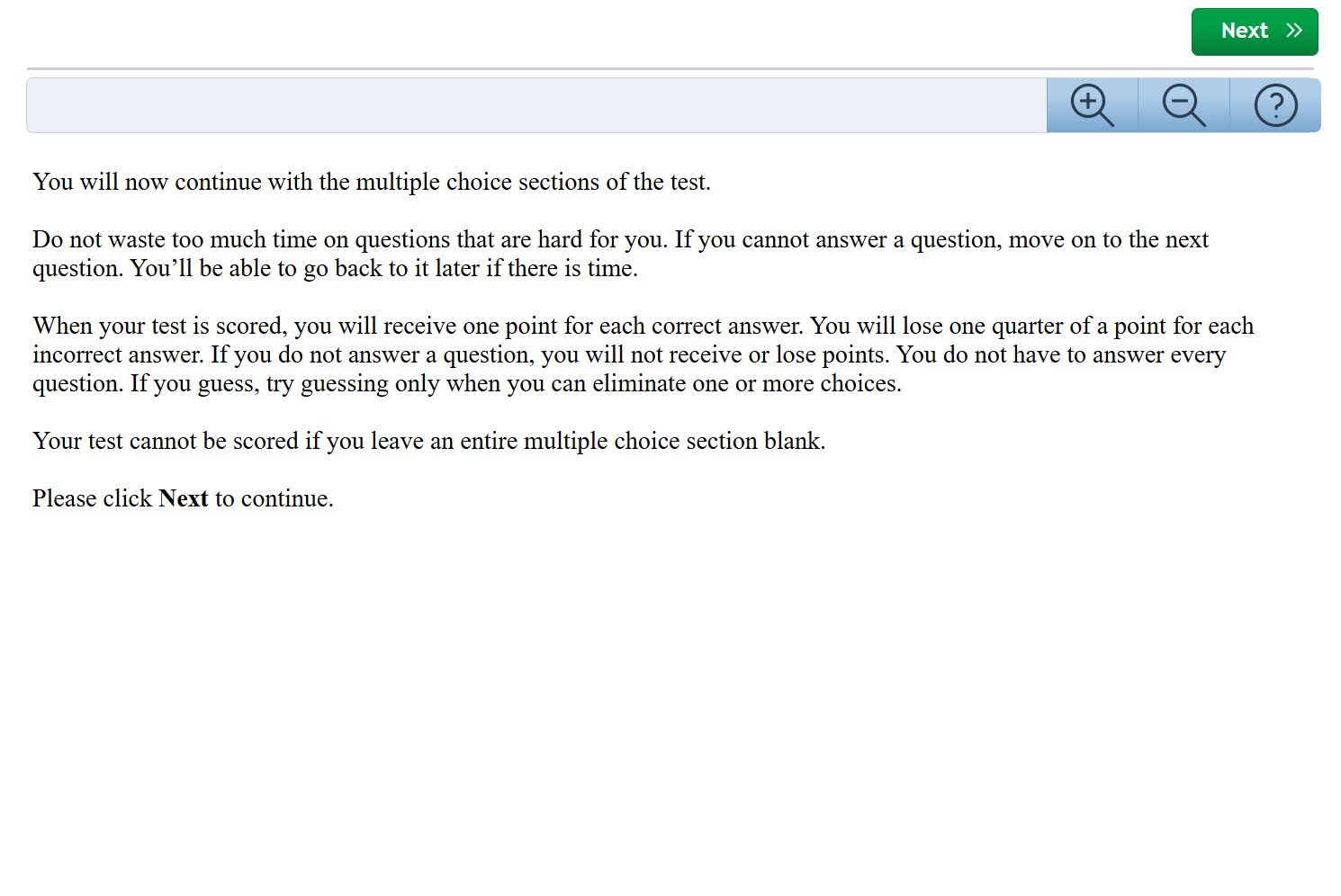
Multiple Choice Sections
Overall Intro
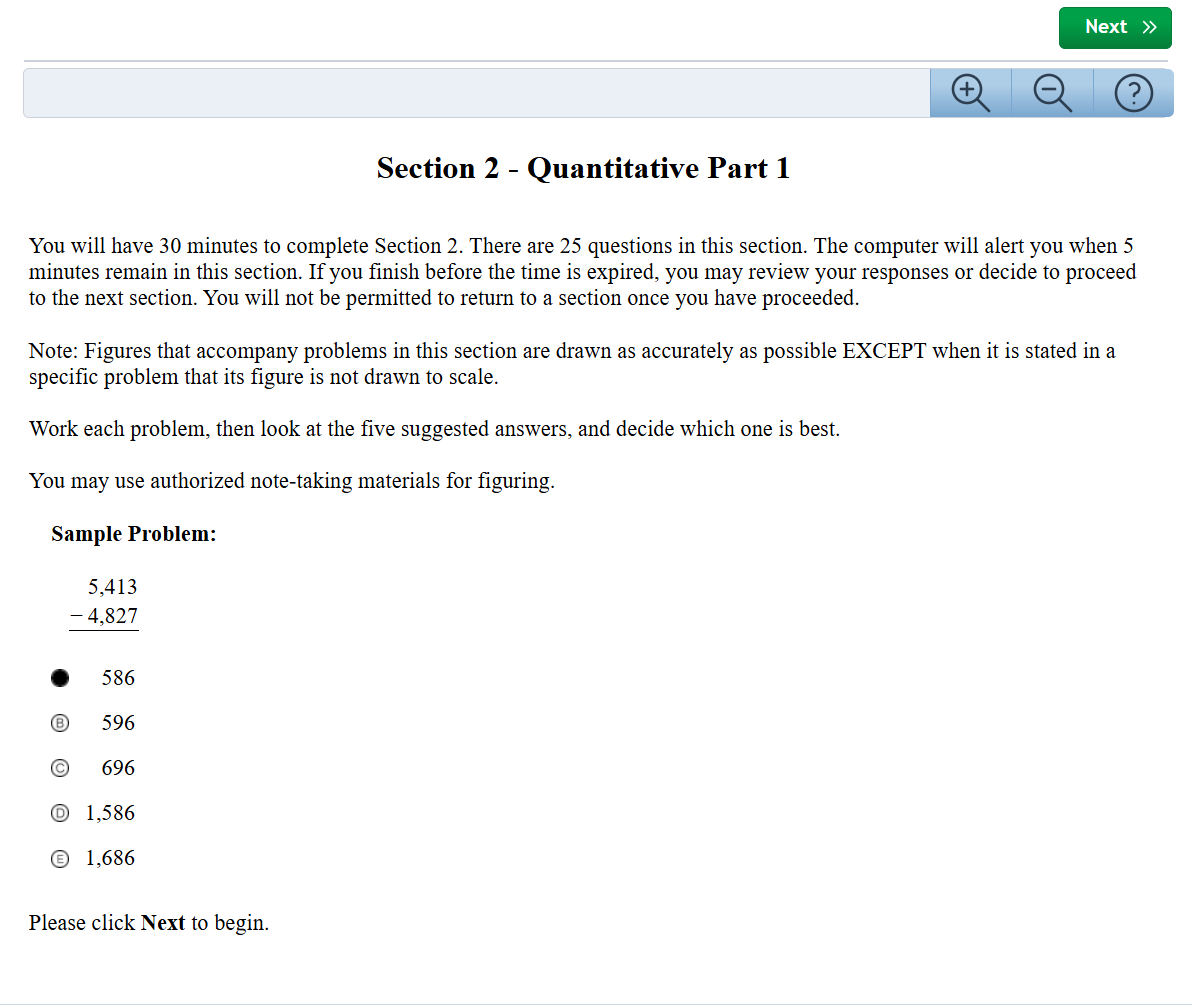
Section Instructions & Sample
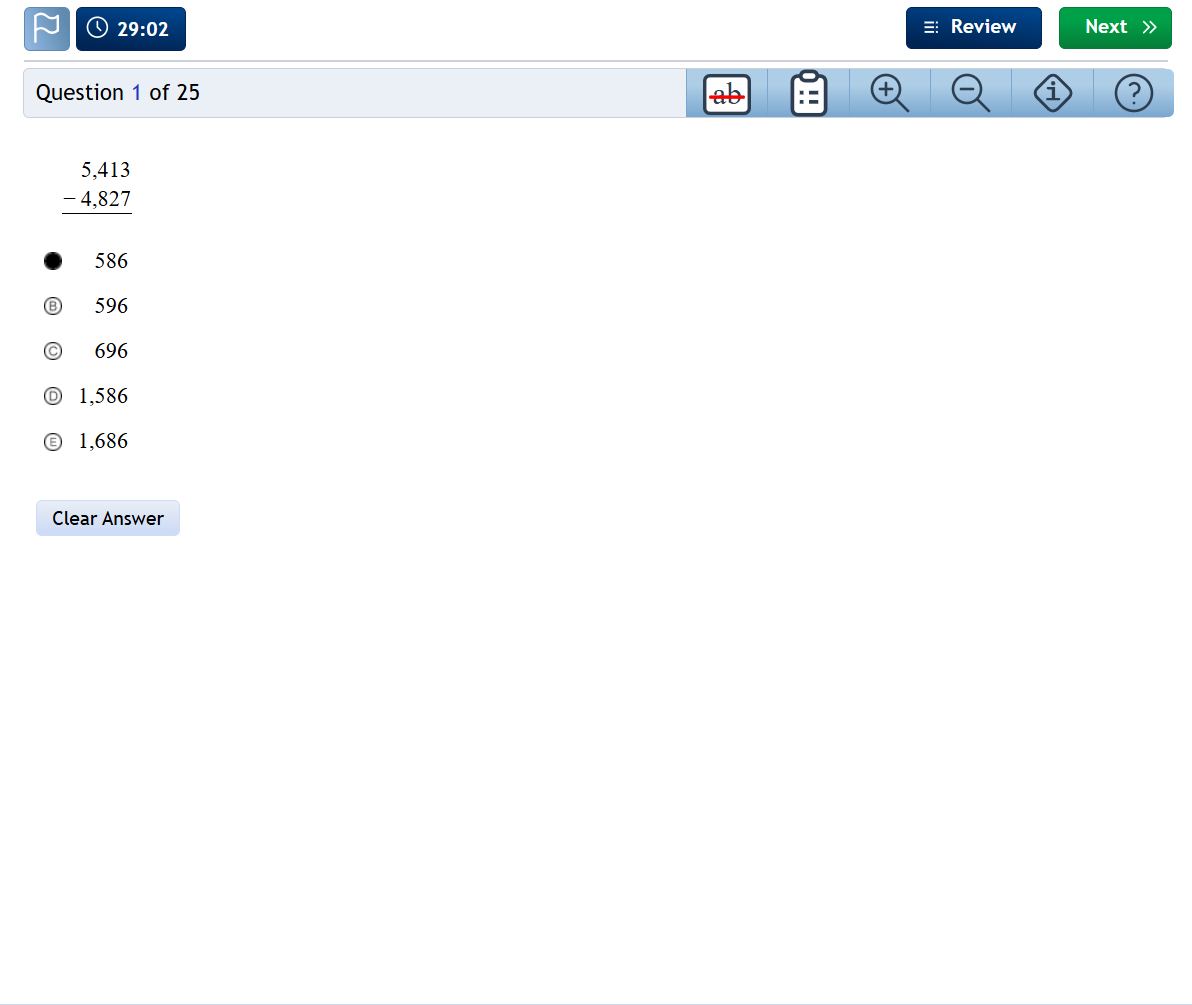
Each multiple choice section begins with instructions and a sample problem.
Multiple Choice Questions
Click (left click) to select or change an answer choice.
Click Clear Answer to clear the current answer choice.
To cross off an answer choice either 1) right click on it or 2) left click the cross off function at the top and left click answer choices to cross off.
To flag a question click the flag at the top left.
To go to the next section click Next.
Review/Flagged Questions
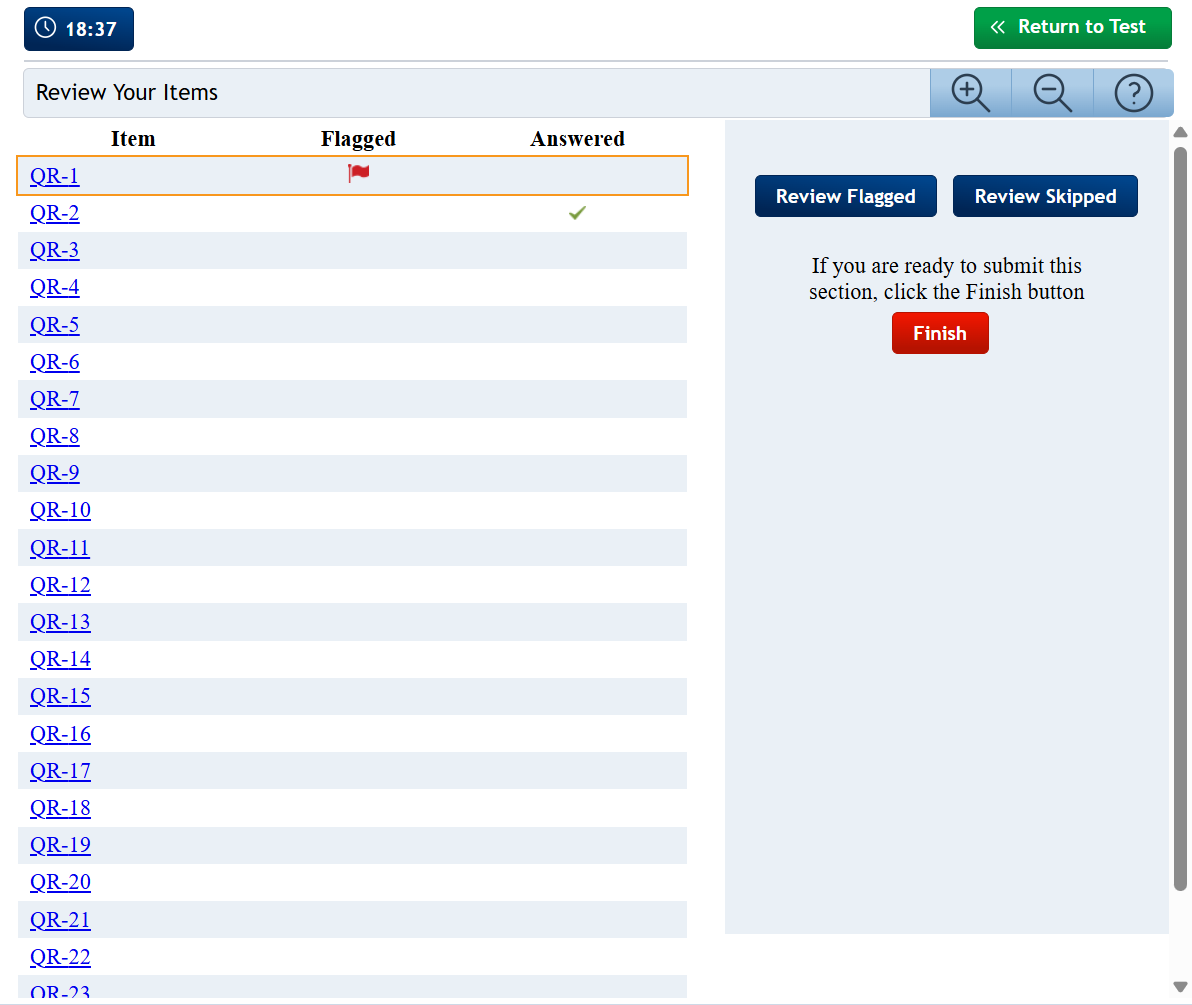
In each section, when clicking Next on the last question or clicking Review on any question, you again go to the Review page.
Here you can see all section questions, if any were answered, and if any were flagged.
Clicking on a question takes you directly back to that question.
You end the section by clicking Finish and confirming you are done.
Once you end a section, you cannot return to it.
End of SSAT
After the last section, the test will indicate completion.